Reset
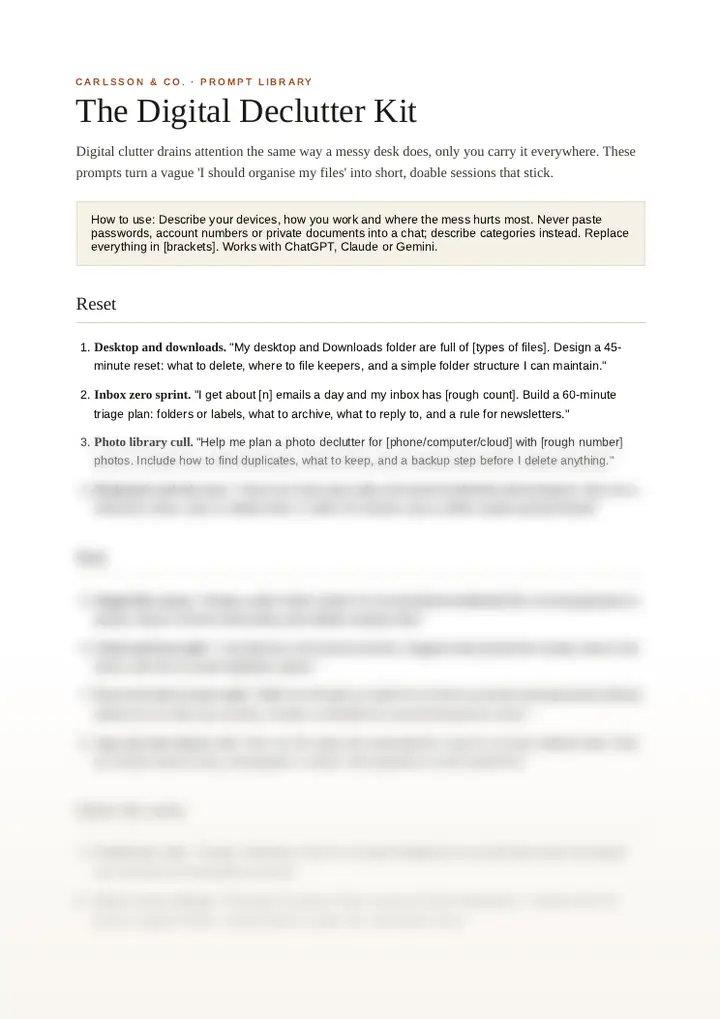
Desktop and downloads
My desktop and Downloads folder are full of [types of files]. Design a 45-minute reset: what to delete, where to file keepers, and a simple folder structure I can maintain.
Home & Life · 14 prompts
Clear the tabs, files and apps without a weekend lost.
14 prompts for a calmer digital life: inbox and desktop resets, file systems, tab and app audits, password hygiene, notification rules and a weekly maintenance habit. For anyone whose phone and laptop feel louder than their real life.
Real pages from the PDF (2 pages, A4). The first part of the opening page is shown as it is; the rest is blurred so the pack stays worth buying.

Every prompt in the PDF, listed by section.
Three of the 14, so you can see how specific they are. The PDF has the rest, plus a short introduction.
Reset
My desktop and Downloads folder are full of [types of files]. Design a 45-minute reset: what to delete, where to file keepers, and a simple folder structure I can maintain.
Reset
I get about [n] emails a day and my inbox has [rough count]. Build a 60-minute triage plan: folders or labels, what to archive, what to reply to, and a rule for newsletters.
Reset
Help me plan a photo declutter for [phone/computer/cloud] with [rough number] photos. Include how to find duplicates, what to keep, and a backup step before I delete anything.